
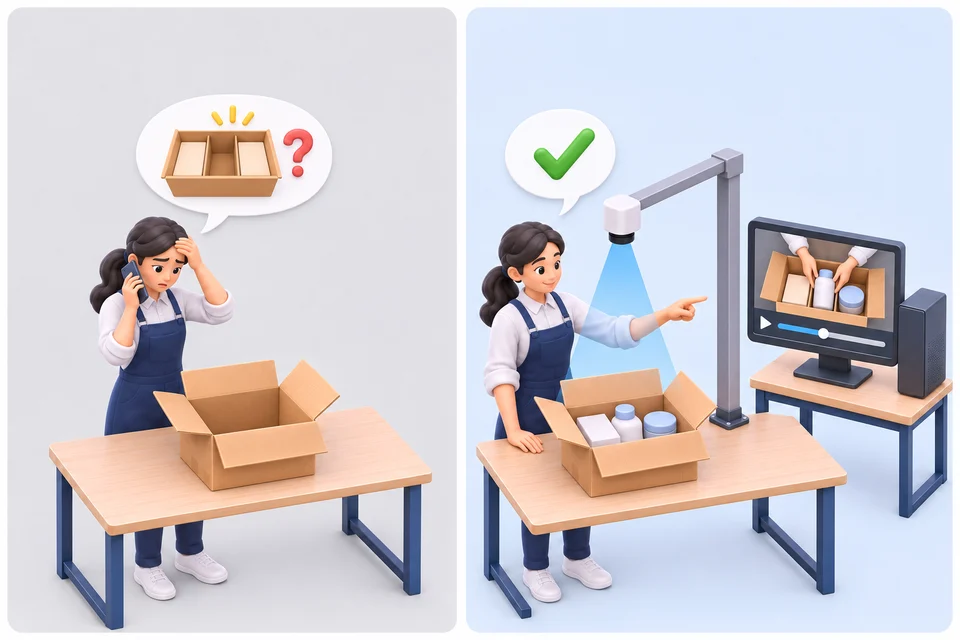
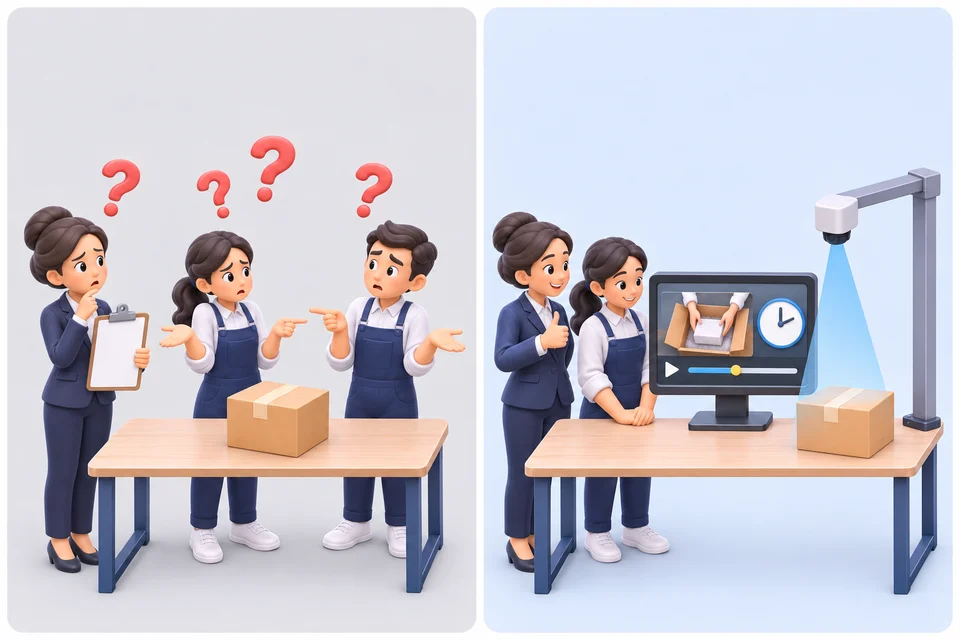
- Without video
- A customer says an item was missing — and you have nothing to show.
- With SSVRS PackProof
- Type the order number and play the video of that exact box being packed and sealed.
Shipping Video Recording System · Proof of Packing
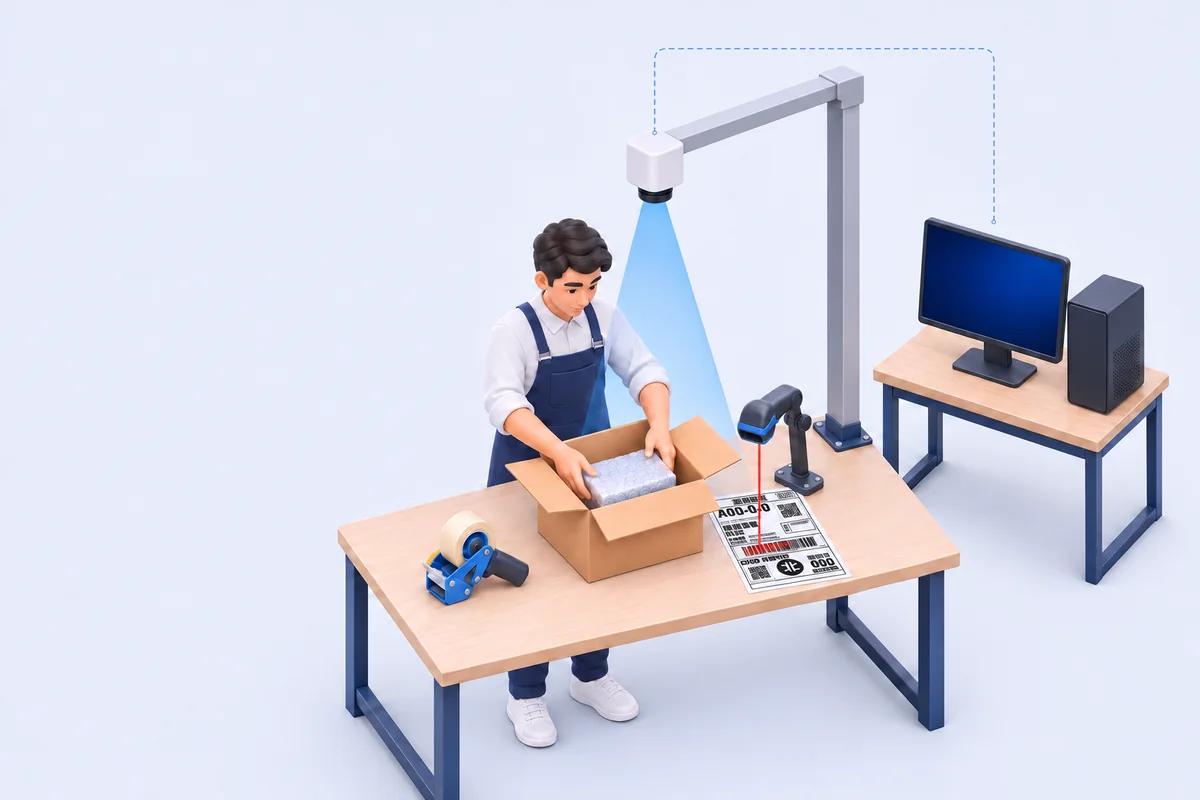
Scan the shipping label and recording starts. Scan the next label and the last video is saved. Each video is named by its order number and stamped with the time and operator, so a missing-item claim or a damaged-box dispute is settled with proof, not guesswork.
Windows 10 / 11 · works with IP and USB cameras · no credit card for the trial
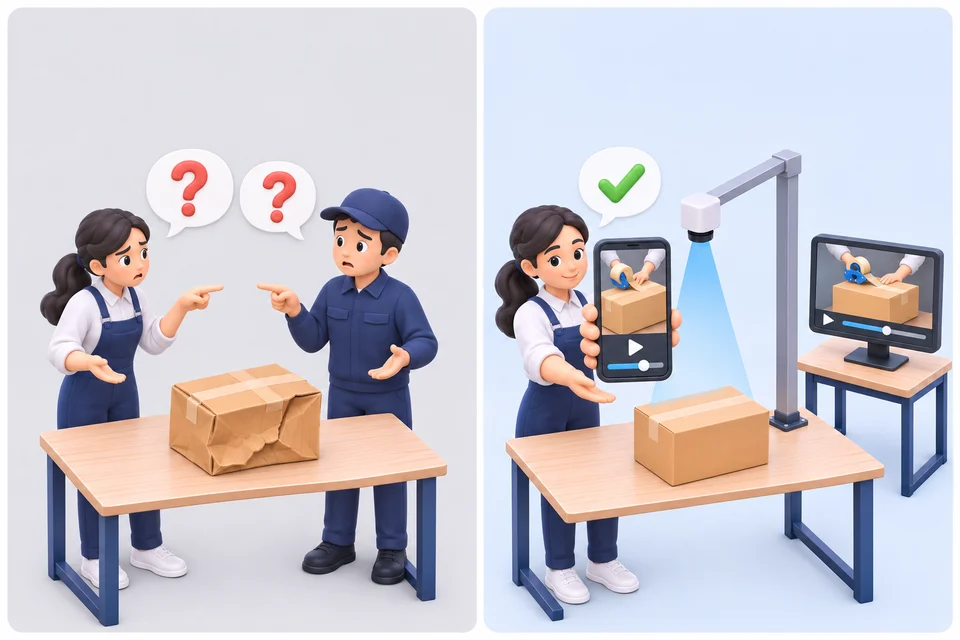
Why sellers record packing
Without a recording it is your word against the customer's, the carrier's or a teammate's. With one, you open the video.
How it works
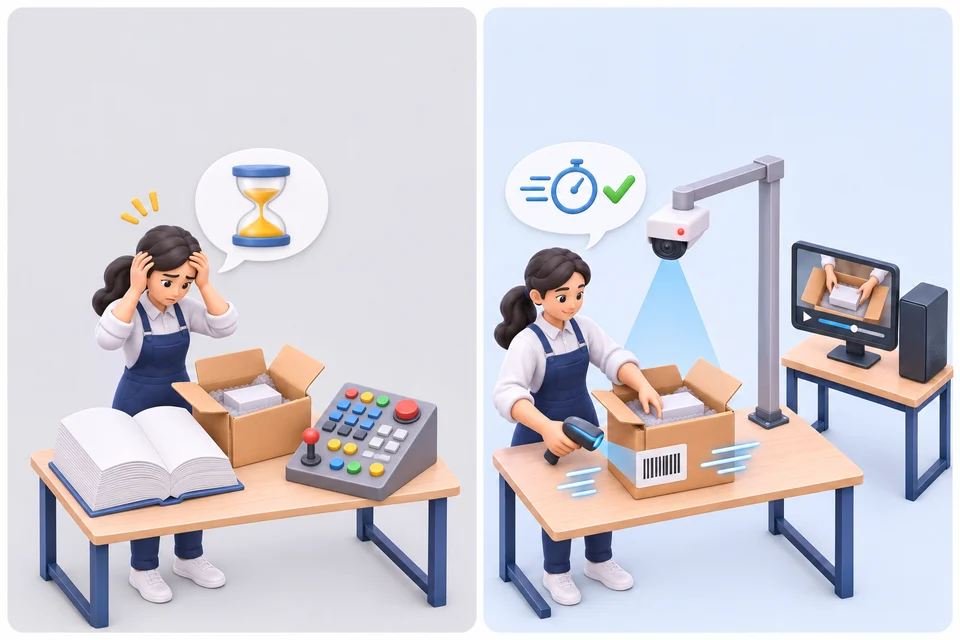
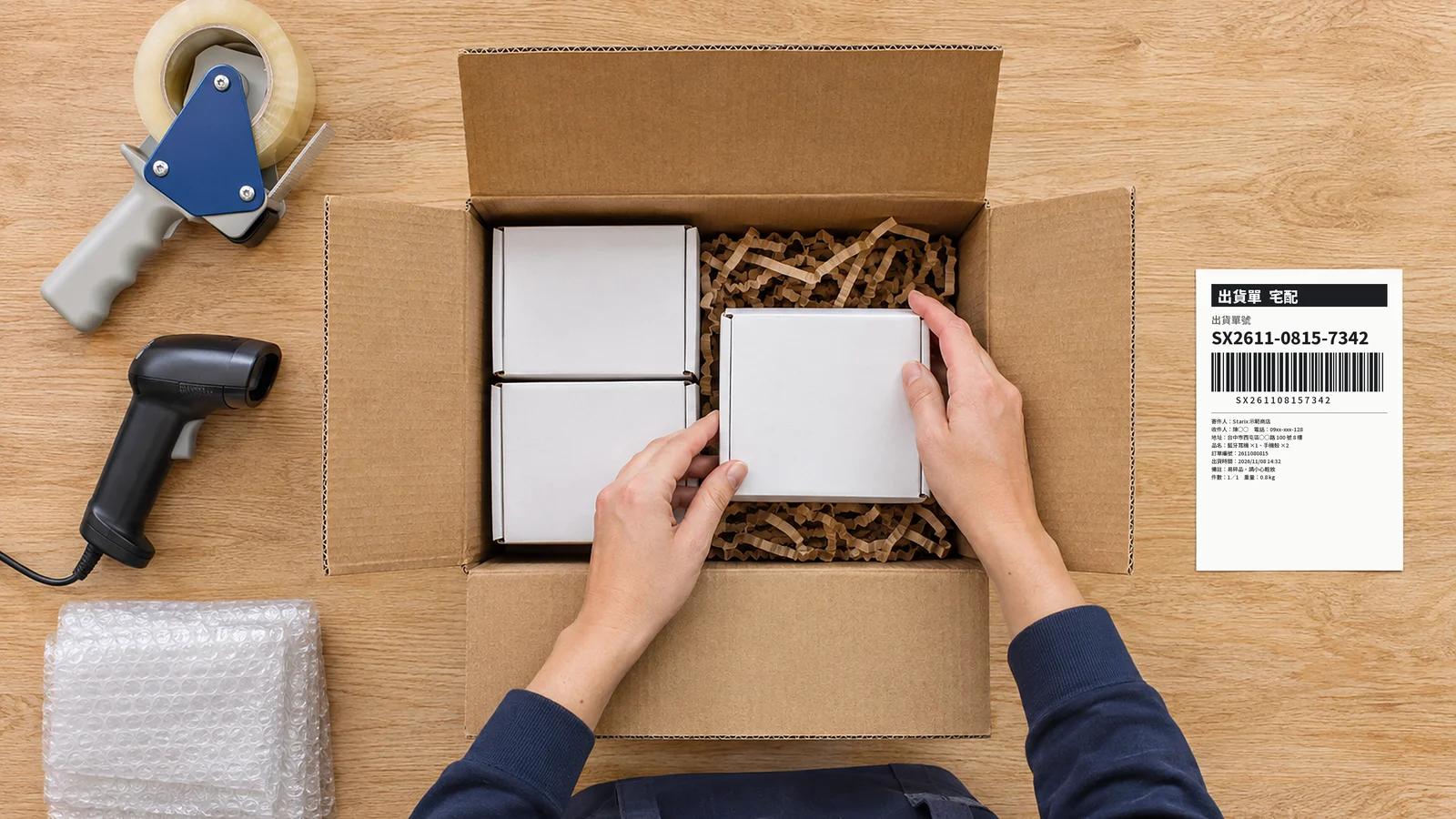
Scan the order or shipping-label barcode with any keyboard-mode barcode scanner. Recording starts at once.
The camera records the packing. The time, operator, order number and mode are burned into the video.
Scanning the next label saves this video and starts the next one. Scan the stop code or press Stop at the end.
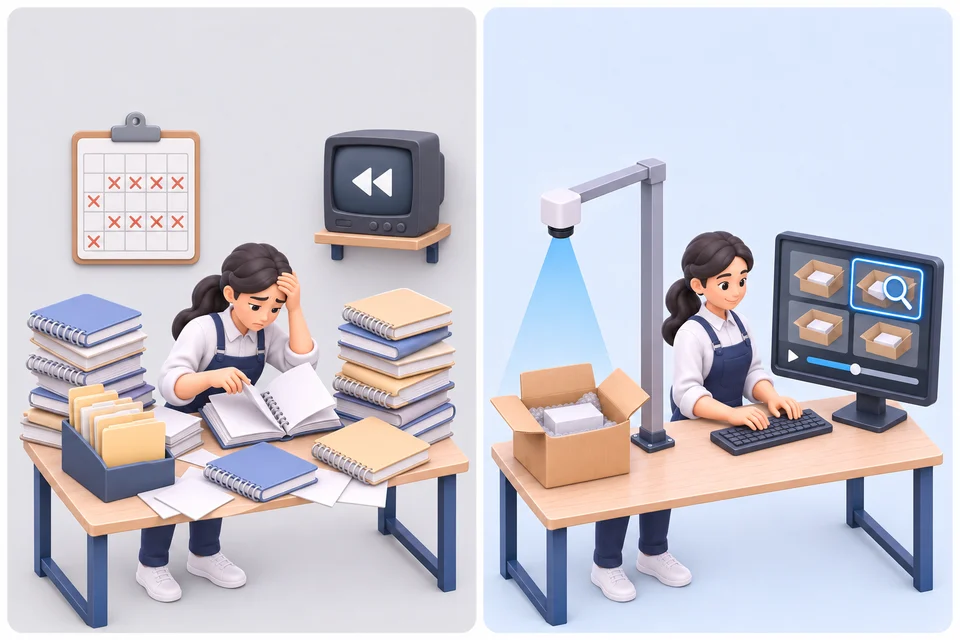
Search by date and order number, then play the video or open its folder to send it to a customer or carrier.
Features
Everything a shipping desk needs to record every parcel without changing how people work.
Recording starts when a barcode is scanned — no buttons, no mouse.
Scanning the next order saves the current video and starts the next, so busy desks never stop.
Print the stop code and stick it on the desk. Scan it to stop recording when the last parcel is done.
Date, time, operator, order number and mode are burned into the picture, not just the filename.
Connect a standard and a wide-angle camera — IP (RTSP) or USB — and switch between them for each order. Up to 4K.
Record outgoing parcels, returned items and incoming stock in separate folders.
Search a date range and part of an order number, then play the video or open its folder.
Packers can keep the order system in front; the scanner still controls recording.
When free space runs low, the current video is saved and new recordings wait until space is cleared — nothing is cut off mid-file.
Each packer signs in, so every video shows who packed it. An administrator manages the accounts.
Signed updates download while nothing is recording and install when the app is closed.
English, Traditional Chinese, Thai, Korean and Vietnamese — interface and watermark.
Pricing
Each computer that records needs one license. Buy as many as you need on one account and move them between computers anytime.
Cancel anytime. Recording stays available until the end of the paid month.
Two months free compared with paying monthly.
Pay once and keep every future update. The app checks the license online at least every 30 days.
| Computers | Monthly | Annual | Lifetime |
|---|---|---|---|
| 1–4 computers | US$29 | US$290 | US$690 |
| 5–9 computers | US$26.10 | US$261 | US$621 |
| 10+ computers | US$23.20 | US$232 | US$552 |
Try every feature free for 7 days on one computer. Videos recorded during the trial carry a TRIAL watermark.
Plans are bought inside the app after you sign in, so the license is added to your account automatically. You can add computers later from Account & License.
Prices in US dollars. Sales tax or VAT, where applicable, is shown at checkout.
Requirements
FAQ
No. Each desk connects up to two cameras — for example a standard and a wide-angle view — and each order is recorded with the camera currently selected. Switch cameras between orders.
On the computer or on a drive you choose, such as an external disk or a network folder. Videos are standard MP4 files named by date, time and order number, organised in folders by mode and date.
The license is renewed online. If the connection drops, recording continues for up to 24 hours (30 days for a lifetime license) so a short outage never stops the desk.
Yes. When every license on your account is in use, the app asks you to sign out one computer after verifying your email, and the license moves to the new one.
The app keeps your videos and settings; buy a plan in the app to continue recording. Videos you already recorded can always be searched and played.
Any scanner that works like a keyboard. For cameras, any IP camera that provides an RTSP stream, or a USB camera; for USB cameras the app includes a check that tests the resolution and frame rate before you use it.
Install SSVRS PackProof, sign in with your email and record free for 7 days.
Download for Windows